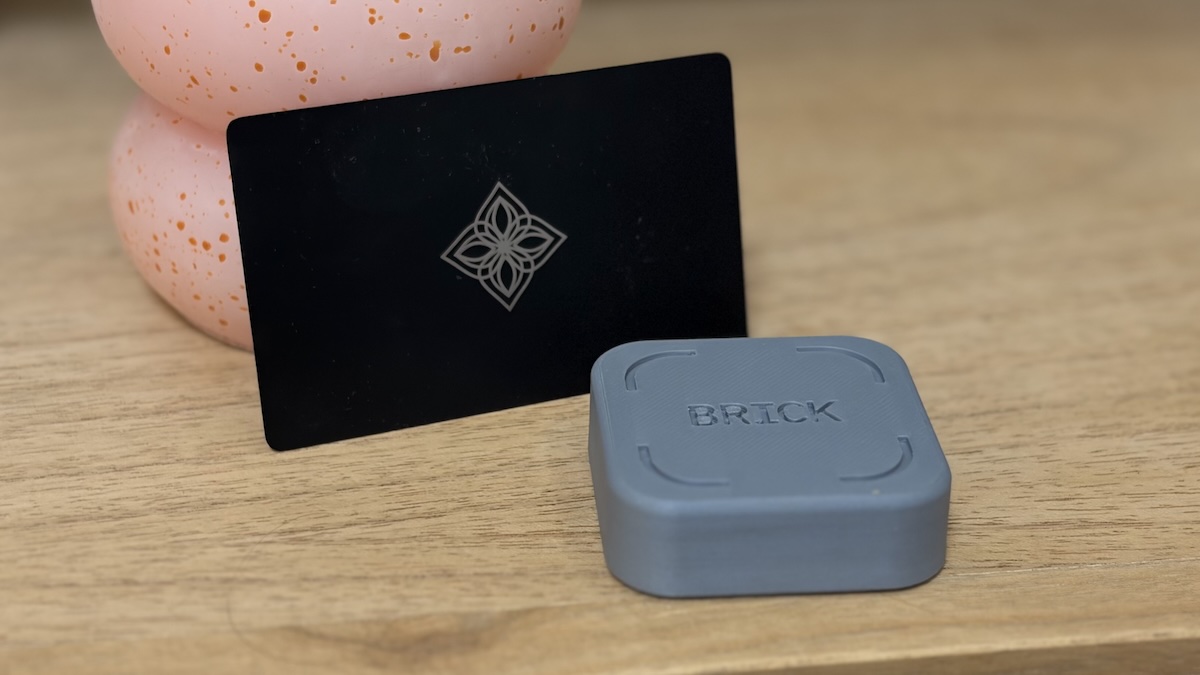
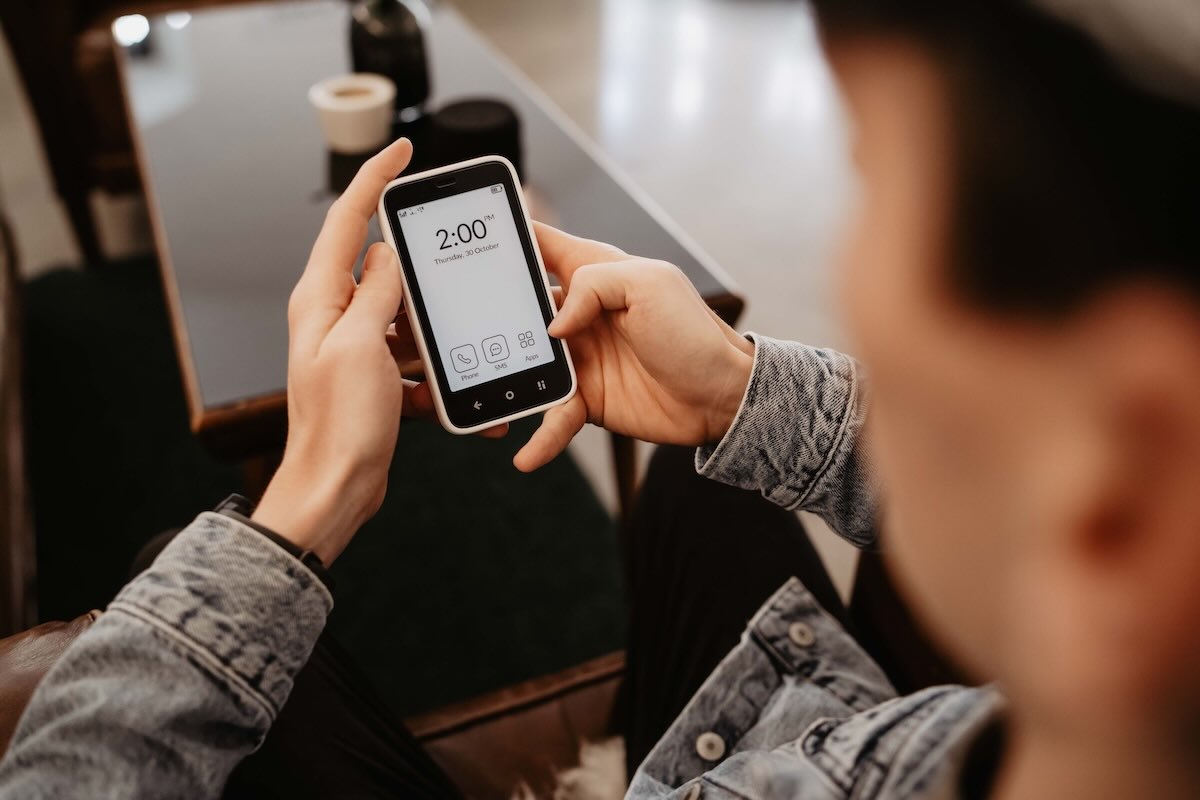
The Bloom card is an NFC-based app blocker for iPhone and Android that lets you lock distracting apps using a physical card. Like Brick and Unpluq, Bloom adds friction by requiring a real-world object to regain access to blocked apps.
Where Bloom differs is in how strict it is. Instead of full lockout, Bloom is designed for controlled access. You can allow short breaks, schedule focus windows, and fine-tune which apps stay available.
I've been using Bloom for a weeks now. I checked my screen time before and after getting Bloom and here are the results I'm observing so far:
- Average daily screen time dropped from about 42 minutes to 28 minutes
- Instagram usage dropped from roughly 5 hours per week to about 3 hours
- TikTok usage dropped from around 2 hours per week to about 1.5 hours
This is early data. Longer-term tracking is needed to confirm sustained impact.
In this post
What is Bloom?
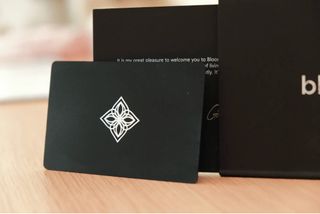
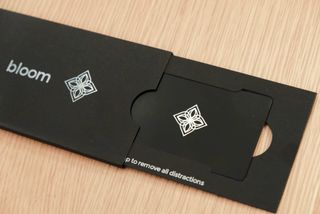
Bloom is a phone app blocker that uses a stainless steel NFC card to unlock apps after a focus session. When your phone is locked, blocked apps stay visible but cannot be opened unless you tap the Bloom card or use a limited break.
The idea is simple. If the card is not nearby, access stays restricted.
Bloom works on both iOS and Android. There are no subscriptions and no charging required.
The Bloom app is free, and the physical card costs $39.
Each purchase includes one Bloom card, lifetime access to the app, and a 30 day money back guarantee.
Quick Specs
- Price: $39
- Compatibility: iOS and Android
- Charging: None
- Subscriptions: None
- Shipping: International (duties may apply)
Is Bloom Effective? My results so far
I’ve been using Bloom for a few weeks now. Before setting it up, I checked my screen time so I’d have a baseline.
Here’s what I’m seeing so far:
- My average daily screen time dropped by about 30%.
- On Instagram, I went from roughly 5 hours a week to about 3 hours.
- TikTok dropped from around 2 hours a week to about 1.5 hours.
Notice I didn’t stop using Instagram or TikTok. I need both for work. I publish content there for another business, so deleting the apps or blocking them entirely was never an option, which is why Bloom is a much better option for me than a dumb phone.
Bloom stopped the casual checking before and after posting. The quick scroll that turns into an hour of mindless consumption.
The breaks helped with that. If I need to open Instagram to create a post, I use a break, do what I have to do, and get kicked out after 5 minutes.
This is still early data. I need more time before calling it a clear win. But so far, Bloom is doing what I hoped. It lets me keep the tools I actually need for work, without letting them quietly take over the rest of my day.
How does the Bloom app work?
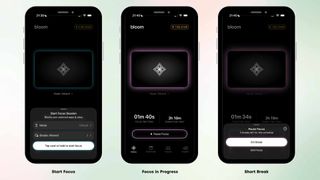
Bloom is built around schedules and focus sessions rather than manual locking every time.
1. Initial setup
- Download the Bloom app on iOS or Android
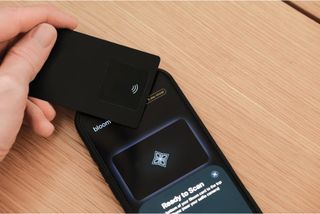
- Link your phone with the Bloom card using NFC
- Grant screen time permissions
- Choose which apps and websites should be blocked
Bloom comes with six pre-installed schedules, such as Morning Zen, Deep Work, or Wind Down. You can edit these or create your own.
2. Starting a focus session
A focus session can start automatically via a schedule or manually from the app. Once active, selected apps and websites cannot be opened.
You do not need the Bloom card to start a focus, but you do need to end it.
3. Unlocking your phone
To unlock, you normally tap the Bloom card to your phone or use one of your three 5-minute breaks (doesn't require the card - more on that below).
Features
Schedules
Bloom supports multiple schedules that start and end automatically. You can create different blocking rules for different times of day.
This feature is standard among app blockers, but it works reliably here.
Breaks during focus sessions
Bloom allows up to three five-minute breaks per focus session. Breaks unlock blocked apps for up to five minutes and then automatically re-lock them when time expires.
You can reduce the number of breaks or disable them entirely.
This is one of Bloom’s main differences compared to Brick. Brick is all or nothing. Bloom gives controlled flexibility.
App allowlists and blocklists
Bloom lets you choose exactly which apps are blocked and which remain accessible during a focus session. This is configurable per schedule.
You can block everything—apps and websites. For example, you could create a schedule that blocks social media apps. Or, you could allow messaging and banking apps and let everything else be locked.
Emergency exits
If you lose your Bloom card or need immediate access, you can use an emergency exit.
- Three lifetime emergency exits
- One new emergency exit added every month
Emergency exits unlock all apps without the card.
Strict Mode
Strict Mode prevents deleting the Bloom app during an active focus session. This removes a common workaround used to bypass app blockers.
Strict Mode is currently available on iOS. Bloom has stated that Android support is in development.
Child Mode
Bloom includes a dedicated Child Mode. Child Mode disables emergency exits, prevents app deletion, and locks schedules, making it difficult to bypass limits.
Great if you want to restrict your kids' screen time.
Insights
The Insights tab shows screen time, pickups, notifications, and most-used apps. It is basically the same as iOS Screen Time, just laid out differently.
Leaderboard
Bloom includes a leaderboard that tracks focus streaks. You can use the leaderboard between friends, or compare your streaks with other Bloom users in the world.
I don't use this but I guess some people might enjoy the extra accountability.
Pros and Cons
✅ Cheapest physical blocker on the market. Bloom is a one-time $39 purchase. No subscription. No upgrades. One card can be used with multiple devices. That makes it the lowest-risk option if you want to try a physical blocker without committing long-term.
✅ Strong parental controls with Child Mode. Child Mode removes the usual workarounds. No app deletion. No emergency exits. Locked schedules. Only the parent’s card can unlock or change settings, which makes it much harder to bypass than standard screen-time tools.
❌ NFC scanning can be finicky. Scanning works, but it’s less forgiving than Brick or Unpluq. You need to place the card flat near the selfie camera. It’s not a dealbreaker, but it’s noticeable if you’re used to instant scans.
❌ Android experience has mixed reports. Some Android users report apps or websites slipping through during focus sessions. I haven’t tested this myself, and it may already be improved, but it’s something Android users should factor in.
❌ Card format isn’t for everyone. Bloom is a flat card with no magnet or keychain clip. Brick sticks to a fridge. Unpluq lives on your keys. With Bloom, you have to decide where it lives, and that choice affects how effective it is.
Get your Bloom card today
Bloom is exclusively available at bloom.inc. Get yours today and save 10% with promo code WHATIFIDIDNT.
Let's do thisBottom Line: Who’s Bloom For?
Bloom is best for people who want to reduce screen time without fully cutting themselves off. It works well for professionals, parents, and anyone who still needs occasional access during the day.
If your goal is total lockout, Brick might be a better fit. If you want controlled access with guardrails, Bloom makes more sense right now.
FAQ
Yes. This is exactly the right place to add depth for SEO and usefulness. FAQs are one of the highest-value sections for both search engines and LLMs, especially when they answer how things actually behave.
Below is a beefed-up FAQ, still clean, still honest, and written in the same grounded tone as the rest of the post. You can replace your current FAQ with this.