The Mudita Kompakt is a $439 minimalist “dumb phone” that promises to replace your smartphone without wrecking your attention span.
On paper, that sounds a little wild when you can grab a basic flip phone for $30 or keep using the smartphone you already own for free. So why are people paying real‑smartphone money for their Kompakt?
In this review, I’ll walk you through what the Mudita Kompakt is like to live with as a main phone: how it handles calls, texts, navigation, WhatsApp, banking, 2FA, and all the little details that only show up after a few weeks of use.
We’ll look at where it genuinely beats other minimalist phones on the market, where it falls short, and who will probably love it versus who should skip it.
By the end, you’ll know whether the Mudita Kompakt is a smart upgrade for your digital life, or whether you’re better off with a different setup.

In this post
Overview: What Is the Mudita Kompakt?
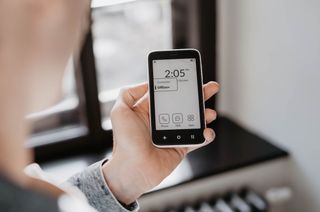
The Mudita Kompakt is a minimalist smartphone with an e-ink screen, designed to be your main phone without turning your brain into mush.
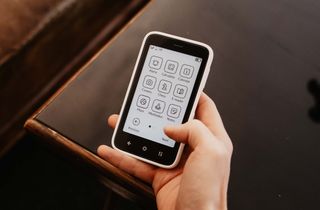
Instead of a wall of colorful icons, you get a calm black-and-white screen, simple menus, and just the core tools you actually need: calls, texts, a basic camera, maps, notes, weather, a recorder, a small music player, and a meditation app. It feels closer to a Kindle that learned how to make phone calls than to an iPhone or Android flagship.
| Features | Mudita Kompakt |
|---|---|
| Calls & SMS/MMS | ✅ |
| WhatsApp / iMessage / mainstream chat apps | ❌ |
| Web browser | ❌ |
| Email client | ❌ |
| App store / installing regular smartphone apps | ❌ |
| Wi‑Fi hotspot / tethering for laptop or tablet | ✅ |
| Bluetooth (headphones, car, etc.) | ✅ |
| Rear camera (photos only, no video) | ✅ |
| GPS with offline maps/navigation | ✅ |
| Music player & podcasts (from local files only) | ✅ |
On paper, the price is the first thing that makes people flinch: the Kompakt costs around $439, while a basic flip phone is $30–$50. So what are you paying for?
Here’s what you get that a cheap flip phone simply doesn’t offer:
-
A large e-ink display that stays readable in bright sunlight and encourages slower, more intentional use.
-
Real navigation with GPS, voice directions, and offline maps, not just a barebones “good luck” compass.
-
A camera that, while far from perfect, is good enough to capture everyday moments with friends and family (no video).
-
The option to install third-party apps you might rely on, like WhatsApp, a banking app, a podcast player, or a two-factor authentication app, via sideloading.
If you want something truly barebones to sit in a glove box “just in case,” a $30 flip phone wins.
If you want a calmer phone you can actually live with every day that still handles maps, messages, and a few key apps, the Kompakt sits in a different category entirely.
In the rest of this review, I’ll focus on the features you asked about most on Reddit: apps, group messaging, GPS, camera, and day-to-day feel. I didn't want this post to turn into a small book about every single menu and toggle. If I missed something you’re curious about, send me a message and I'll be happy to answer.
Quick Specs:
Price: $369 (regular price $439)
Compatibility: Unlocked 4G LTE, works with most GSM carriers
Battery: Roughly 3+ days per charge with normal everyday use
Connectivity: Dual SIM (eSIM + physical SIM)
Shipping: worldwide (taxes and duties may apply)
Apps: Native, Sideloaded, and My Setup
Out of the box, the Kompakt gives you a clean, distraction-free setup.
You get calls, texts, a calendar, notes, weather, a voice recorder, music, a meditation timer, a basic camera, and maps. For some people, especially minimalists, that’s already a complete, satisfying phone. For others, it’s a solid base that needs a few extra tools layered on top.
For me, the phone became a serious main phone only after I added a few extra apps: WhatsApp, a better keyboard, an authenticator app, a podcast app, and my banking app. You won’t find these in a built-in app store on the Kompakt, but you can still install them.
How to install third-party apps
MuditaOS doesn’t come with an app store, so technically there’s no built-in way to “install” apps beyond what ships on the phone.
Thankfully, there is a workaround: a process called “side-loading,” which simply means installing apps from outside an official store.
On the Kompakt, this is fairly straightforward. I followed Mudita’s instructions to install an app called Aurora Store, which lets you download many of the same apps you’d usually get from the Google Play Store.
From there, adding third-party apps feels familiar: open Aurora, search for what you want (like WhatsApp or your authenticator), and tap install. In practice, you should be able to install most Android-compatible apps.
Here’s what I ended up adding:
- Encrypted messaging: WhatsApp
- Keyboard: FUTO Keyboard (a big upgrade from the default keyboard)
- 2FA codes: Aegis
- Passwords: 1Password
- Podcasts: Podcast Addict
With those in place, I can handle messaging, logins, and entertainment, and happily retire my iPhone to a drawer.
If you decide to add more apps, like email or social, it’s worth checking in with yourself first: are these helping you live more intentionally, or are you quietly rebuilding your old smartphone in black and white?
One app I haven’t installed yet but could be very helpful is a third-party calendar app, like Google Calendar. The default calendar on the Kompakt doesn’t sync, so you can’t pull in your existing Google or Apple calendar events and meetings.
Messaging and Group Chats
For one-to-one texting, the Kompakt has been solid in my experience: messages arrive reliably, conversations stay neatly threaded, and the slower e-ink typing makes texting feel a lot more intentional.
Group messaging is where things get more nuanced.
Recent MuditaOS K updates added full group messaging support for SMS and MMS, including options to keep everything in one group thread or to send one message to many people individually.
On paper, that means you can now:
-
Join and follow group conversations in a single thread.
-
Choose per SIM whether group messages behave as a true MMS group chat (everyone sees all replies) or as separate SMS messages.
In practice, experiences are mixed.
Some users report their existing group chats working fine, while others still run into issues like messages not downloading properly or replies appearing as separate one-to-one texts after certain updates.
I don’t live in big SMS/MMS groups, so I haven’t stress-tested this on my own device (we use WhatsApp for group messaging in Europe).
If most of your social life runs through carrier group threads, I’d treat group messaging as “technically supported, still maturing,” and double-check the current status with Mudita’s support docs or recent user reports before you commit.

GPS and Navigation
The built‑in Maps app on the Kompakt is simple but genuinely useful: you get a top‑down 2D view, GPS, and the ability to download offline maps for cities or whole regions.
It’s not flashy, but it got me where I needed to go, even on trips around Europe.
Once you’ve grabbed the maps you need, you can navigate entirely offline with voice directions in multiple languages and different modes for walking, cycling, or driving.
You can search both for exact addresses and for many local places by name. Your gym, a nearby grocery store, cafés, and other common points of interest usually show up just fine.
What you don’t get is the full “smartphone maps” experience.
There’s no live traffic view, street-level imagery, or speed camera alerts, and it’s not great for discovering local businesses the way Google Maps is. But as a calm, on-device tool for “take me from A to B,” it does its job.
Camera
The Kompakt’s camera landed firmly in the “better than I expected” bucket for me.
It’s an 8 MP shooter with a very simple interface. In decent light, it’s perfectly fine for everyday snapshots of people, places, and documents.
You do feel the trade-offs, though, if you’re switching from a smartphone. There’s a bit of shutter lag, and low-light photos are noisy and often blurry.
On the e-ink screen, everything looks black-and-white and a bit pixelated until you move the images to another device (by messaging them to another phone or transferring them to a computer over USB).
That said, I actually like the camera experience: I take fewer photos, and the ones I do take feel more intentional—almost like using a disposable camera.
For utility, it does what it needs to do: snapping a quick picture of a recipe, a document, or a moment with friends works just fine. And sideloaded apps like WhatsApp can use the camera for things like account QR codes.
If you’re used to a flagship smartphone camera, this will feel like a downgrade. But as a minimalist at heart, “good enough when you actually need it” is probably all you’re asking for.

Product Feel and Build
The Kompakt feels like a thoughtfully designed piece of tech (like most of Mudita’s products). The soft-touch finish gives it a nice grip, and the understated look makes it a quiet conversation starter; people tend to notice the black-and-white screen and ask about it.
Depending on what you’re used to, the phone may feel a little thick at first, but you get used to it. I’ve had no issues slipping it into pockets or using it in a standard car phone holder.
It’s robust. With the silicone case and glass protector on, I’ve tossed it into pockets with keys, cards, and coins, and it still looks new, with no major scratches or dings so far. Though one thing worth mentioning is that e-ink screens are more fragile than typical smartphone glass.
I’ve seen at least one report from a Kompakt owner whose screen shattered inside a backpack with nothing harder than a sunscreen tube and a few soft plastic items.
So, just to err on the safe side, if you get the phone, I’d also buy Mudita’s own glass screen protector. It’s $10 and gives you an extra layer of protection if the phone gets squeezed in a bag or bumped in everyday use.

Pros and Cons (and Ongoing Updates)
Here’s what has stood out for me after using the Kompakt as my main phone for over a month:
✅ E-ink screen: You can read messages or e-books at night without blasting your eyes with blue light and disrupting your sleep.
✅ Minimalist, distraction-free OS: Apart from the occasional SMS notification and the chess app, there’s nothing on this phone that’s likely to spike your dopamine. The interface is quiet and simple, with no bright colors or animations.
✅ Battery: With normal use, you can go 3+ days between charges.
✅ Offline+ side button: With a single press of the physical side button, you can drop the phone into an offline / airplane-like mode, making it much easier to step away without digging through menus.
✅ Outstanding product design: I really like Mudita’s whole aesthetic, with its signature soft curves, muted colors, and calm feel that shows up across their products (see Mudita Harmony).
✅ Navigation: You can punch in an address or the name of a place and get real turn-by-turn directions, which most basic dumb phones can’t do.
✅ Dual SIM support: Having both eSIM and a physical SIM makes it easy to carry work and personal numbers, or a local SIM when you travel, on the same device.
✅ Side-loading: If you need it, you can add a few third-party apps like WhatsApp, a better keyboard, banking, or 2FA, so you don’t have to keep a second “real” smartphone in your bag.
❌ Price: Even knowing what it offers, around $400 still feels steep if you’re coming from a $30–$50 flip phone or a mid-range Android.
❌ Native keyboard: The stock keyboard is slow and clumsy enough that I wouldn’t want to use this phone long-term without installing something better.
❌ File transfer: Moving files with Mudita Center and USB works, but getting photos and recordings off the phone (especially on a Mac) feels more fiddly than it should and may need extra tools.
❌ Fingerprint sensor: Most of the time, it’s fine. But I do get occasional misreads, inviting me to try my PIN instead. Other users have reported the same experience on Reddit.
❌ App switching: There’s no quick “recent apps” gesture, so hopping between, say, Notes and Calendar means extra taps back to the home screen every time; a simple app-switcher would make the whole OS feel smoother.
Bottom line: Is the Mudita Kompakt worth it?
Yes. If you want a calmer phone you can actually live with every day, the Mudita Kompakt absolutely earns its spot and its price.
You get things that a cheaper phone simply doesn’t offer: real navigation, dual SIM, and the option to add just enough modern apps to replace a smartphone without becoming one.
Where a $30 flip phone gives you “calls and texts plus a few utilities,” the Kompakt adds a decent camera, thoughtful built-in tools (e-book reader, meditation, chess, notes, music), and support for apps like messaging, banking, 2FA, and podcasts. All on a device that still feels low-noise and low-stress.
It’s a wonderful product if you’re serious about using your phone less but still need it to pull its weight in adult life.
That said, it’s not for everyone.
If you just need a glove-box or “kids’ sleepover” phone, a basic flip phone will be cheaper and totally fine.
And while it’s a great conversation starter for adults, I suspect many teens would prefer a dumb phone that looks a bit closer to what their friends use.
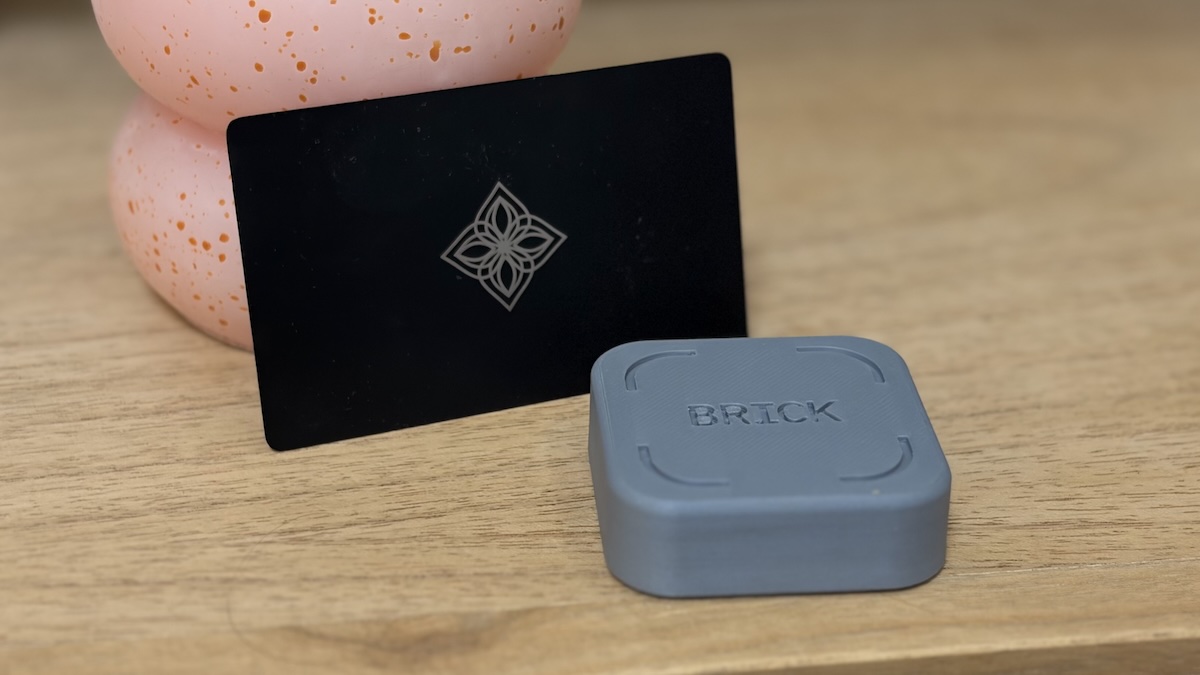
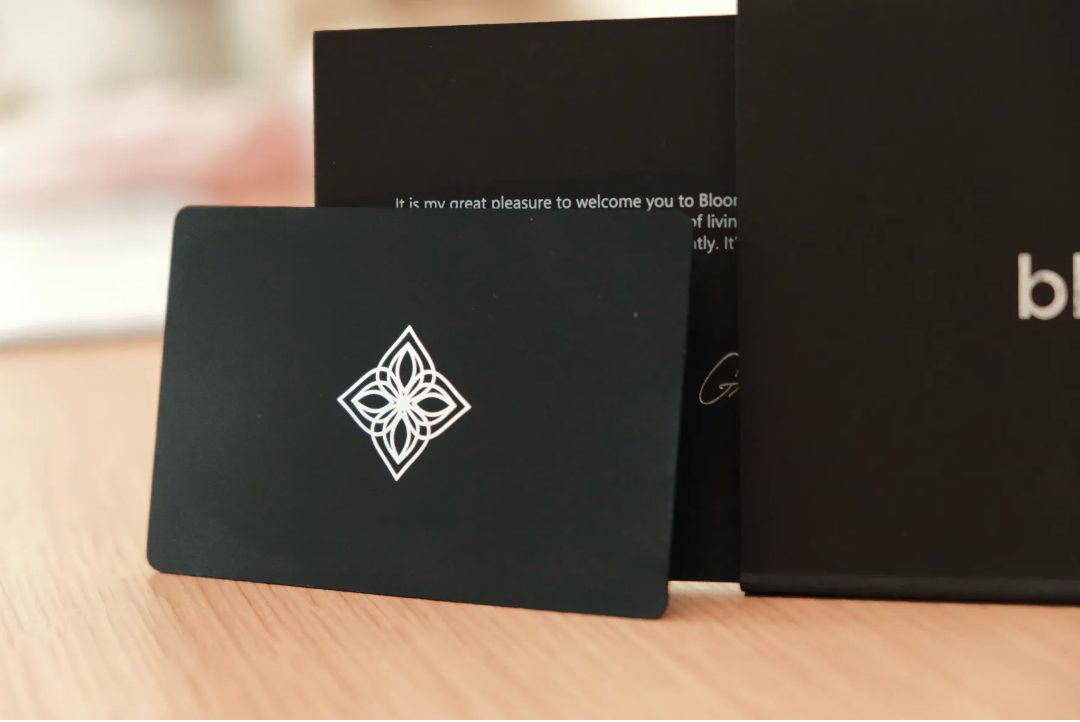
Also, if you know you’ll end up side-loading a browser, social media, and half your old home screen, you might be better off keeping your current smartphone and pairing it with an NFC tag like Brick or Bloom. Or get a dumbphone with more restrictions, like the Wisephone 2 or the Light Phone.
And if you’re still on the fence, you can read my round-up of the best dumb phones of 2026 to see how the Kompakt stacks up and which phone will fit your life best.
Get your Kompakt today
The Mudita Kompakt is exclusively available at mudita.com. Get yours today and save 15% with promo code WHATIFIDIDNT15.
Let's do this📸 Photos courtesy of Jakub Wittka, jakubwittka.com.
(Copyright whatifididnt. All rights reserved. Unauthorized use prohibited.)